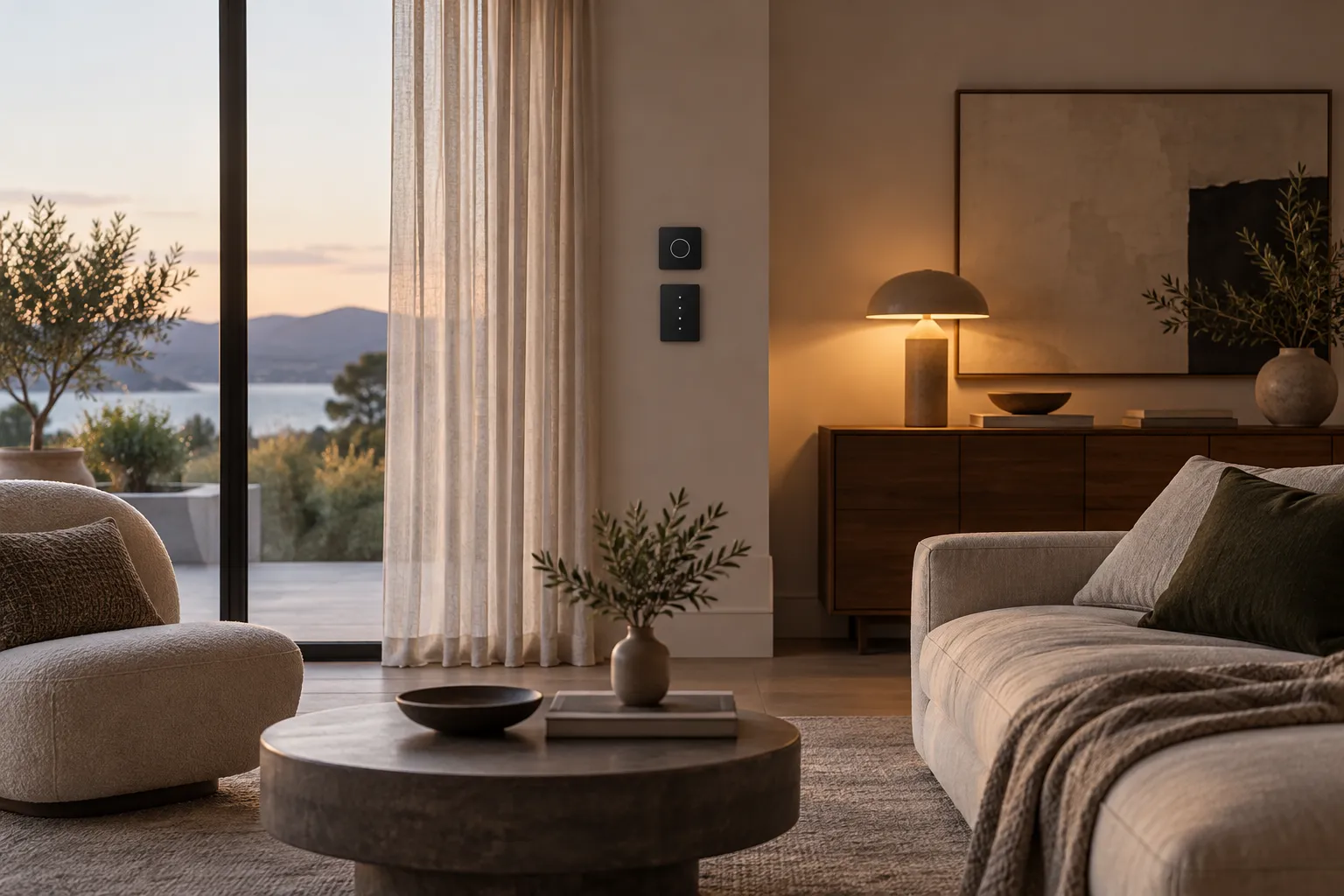
The best smart home features are often the ones visitors do not notice. A light comes on where it is useful, a shade is easy to adjust, and a room remains comfortable without a stack of visible controls. Technology earns its place when it removes a repeated inconvenience and still lets people understand the home. A system that requires a phone for every simple action can make a beautiful room feel less hospitable. Start with a daily friction point rather than a list of devices. Perhaps someone regularly enters a dark hallway with full hands, or several lamps need to be adjusted at the same time. Define the desired behavior, who needs to use it, and what should happen if the network or service is unavailable. Only then compare products and platforms. This sequence keeps the design centered on the people living in the space.
Choose one routine worth simplifying
Observe the actions repeated every day. Turning off lights at bedtime, setting a comfortable evening scene, or adjusting shades against glare may be candidates for automation. Choose the one that consumes attention or creates discomfort most often. A small, reliable improvement is more valuable than an elaborate scene used twice before being forgotten.
Describe the routine in plain language. "When someone enters the hall at night, provide enough light to move comfortably, then return to darkness" is clearer than "install motion sensors." The first statement leaves room to decide whether a sensor, a simple switch, or better lamp placement is appropriate. Sometimes the best solution is not smart at all.
Test the routine manually before automating it. Set the lights as you would want them for a week and note what changes. If different household members prefer different levels, the automation needs an easy override. A system that anticipates only one person's habits can become a source of friction for everyone else.
Keep physical control obvious
People should be able to enter a room and operate its essential functions without instructions. Physical switches, accessible controls, and clear labels matter even when voice or phone control is available. Guests, children, and household members may not use the same app or remember the same command. Manual control is also important when a network or cloud service is unavailable.
Think about where controls belong. A light switch should be near the point of entry or use, not hidden behind furniture because the app can operate it. A bedside control should be reachable from bed. A scene button can be useful if it replaces several repeated steps, but too many unlabeled buttons create another learning problem.
Test the fallback. If the internet connection fails, what still works? If a phone is lost or a voice assistant does not understand, can the room still be lit, shaded, and used comfortably? Product capabilities vary, so confirm the actual behavior before buying. A thoughtfully designed smart home remains a functional home when its most advanced layer is temporarily absent.
Accessibility should be considered from the start. A person with limited reach may benefit from a control placed differently, while another may need a clear tactile switch rather than an entirely touch-based interface. Voice control can help some people, but it is not universally reliable or desirable. Test the proposed control with the people who will use it, including someone who did not set it up. Ask them to perform an ordinary task without instructions. If they hesitate or reach for the wrong device, simplify the arrangement. The measure of an intuitive system is how easily it works for a new user, not how quickly its owner can demonstrate a complex routine.
Check compatibility before purchasing
Smart products may depend on a particular platform, hub, wireless network, power source, or software account. Compatibility information changes, and similar product names can hide different capabilities. Check the maker's current documentation for the exact model and the platform you plan to use. Do this before buying several devices that are expected to work as a group.
Consider what already exists in the home. A connected bulb may behave differently when someone uses the wall switch. A smart shade may require power or a hub that has no convenient place to go. A sensor may need a clear view of movement but look intrusive in the best position. Plan the full system, including power and placement, rather than treating each box as an independent purchase.
Avoid building a complicated chain of dependencies for a basic task. If a routine requires several services to communicate, more things can change or fail. Choose the simplest arrangement that meets the goal, and keep a record of devices, accounts, and how they connect. Future you—or another household member—should be able to understand what is installed.
Network conditions within a home also matter. A device may work well near the router but become unreliable in a distant room or behind dense building materials. Before fitting several devices permanently, test one in the actual location over several days. Note whether commands respond consistently at the times the routine is needed. If additional network equipment is required, include it in the cost and visual plan. A system that looks inexpensive as a collection of small devices can become more demanding once hubs, repeaters, power supplies, and subscriptions are counted. Reliability is a design quality because an unpredictable light or shade changes how people feel in the room.
Let technology fit the interior
Device placement affects the appearance of a room. A camera, speaker, sensor, or hub can become a visual focal point even when that was never intended. Decide which devices need to be visible to work and which can be placed more discreetly without reducing performance. A sensor hidden behind an object may fail to detect the activity it was bought for; good integration respects the device's actual requirements.
Plan cables and power as part of the room. A sleek device with a cord crossing a shelf can create more visual clutter than the problem it solves. Use appropriate cable management while preserving ventilation and access. If wiring changes are required, consult a qualified local professional and follow the product instructions. Do not bury components where they cannot be reset or replaced.
The color, finish, and scale of controls matter too. A small number of consistent devices can sit quietly with the architecture. Mixed shapes and indicators scattered throughout a room may create an accidental technical aesthetic. Choose devices for their usefulness first, then find the least distracting placement that still lets them work reliably.
Design automations for real people
An automation should make a predictable decision under clear conditions. Motion lighting in a hallway may be helpful at night but irritating if it activates during a film. Temperature schedules may suit a routine household but be uncomfortable when someone works from home unexpectedly. Define the exceptions before installing the system, and make overrides simple.
Consider shared spaces. One person's preferred light level or music volume may not be another's. A smart home should support negotiation, not quietly encode the preferences of whoever configured the app. Talk through the routine with everyone who will use the space. Ask what they would expect to happen and what would surprise them.
Review the system after a few weeks. If an automation is repeatedly overridden, it is providing feedback. Adjust its timing or conditions, or remove it. A smaller set of well-used routines is more successful than a growing list of scenes nobody remembers. Technology should reduce decisions, not create an ongoing administrative task.
Treat privacy as part of the design brief
Connected devices may collect data about presence, voice, video, or patterns of use. Before adding a camera or microphone, ask whether it is necessary for the intended benefit and who might be affected. Review the maker's current privacy information, permissions, storage options, and account controls. These details are part of how a product lives in a home, not a separate technical footnote.
Think about guests and household members. A device that is unobtrusive visually may still be uncomfortable if its purpose is unclear. Place and disclose recording devices appropriately, and follow local law and household agreements. Do not assume that an app's default settings match your expectations. Check what is enabled and revisit permissions after updates.
Data minimization is a useful practical principle: choose the least invasive way to achieve a routine. A simple timer may be enough where a camera-based system would add complexity and concern. The home should feel safe and understandable to the people who occupy it, including those who did not choose the technology.
Plan updates, maintenance, and a way out
Smart devices require more than installation. Software updates, batteries, account access, and service changes can affect them over time. Choose products with clear support information and keep a simple inventory: what is installed, where, which account manages it, and how to reset it. This can save hours when a device stops responding or the household changes phones or networks.
Consider replaceability. A smart bulb can often be changed more easily than a built-in system; a wired control may offer a cleaner appearance but need professional work to replace. Neither is inherently better. Decide how long you expect the system to serve and what happens if a product line changes. Avoid making a critical room function depend on a feature that cannot be operated manually.
Review automations periodically. Remove devices or accounts no longer used, replace weak batteries before they create unreliable behavior, and check that everyone still understands the controls. A maintainable smart home is usually a modest one whose benefits remain clear as technology changes.
Use light and climate as gentle first steps
Lighting is often a sensible place to begin because its effects are visible and reversible. A simple evening scene can soften a living room, while a motion-triggered night light may make a route easier. Test whether separate lamps and intuitive switches would already solve the issue. If automation adds value, choose a setup compatible with the existing controls and confirm what happens when someone uses the wall switch.
Temperature and shade control can also reduce repeated adjustments, but building conditions vary. A poorly insulated room or a window with severe glare may need physical improvements before automation. A smart schedule cannot repair a draft or make an unsuitable window treatment effective. Consider the architecture alongside the device.
Begin with one room and one routine. This keeps costs and troubleshooting manageable. Once the first improvement works for everyone, the household can decide whether another is worth adding. The goal is not a fully connected home; it is a more comfortable home with the minimum necessary complexity.
Make a short decision checklist
Before buying, write down the problem, the simplest non-smart alternative, the expected benefit, who will control the device, what works offline, what data it handles, and how it will be maintained. Compare the product against that list rather than a marketing page's collection of features. A feature you will not use does not improve the room, and an overlooked limitation can make a promising device frustrating.
Check the product's current documentation for compatibility and installation requirements. If electrical, structural, or security-sensitive work is involved, use qualified local help. Keep packaging or instructions long enough to know how to reset or transfer the device. Make a note of any account or subscription requirements before committing to a system that will be difficult to change.
The best smart home does not need to announce itself. Its routines feel natural, its controls remain obvious, and its technology can be maintained or removed without undermining the room. If a proposed device fails those tests, it may be more intelligent to leave the space simpler.
Before extending a successful setup, ask the household whether the first automation actually saved effort. A device that works technically but is rarely used has still taught you something: the original problem may not have mattered enough. Let that observation guide the next choice and keep the room's human routines ahead of its technical possibilities.
Automate one repeated routine at a time and keep a reliable manual path.
These are general design considerations. Product dimensions, materials, installation requirements, and care instructions should be checked with the relevant maker or professional before purchase or work begins.